Aadhaar Card Mobile Number Link Online – Step by Step Guide (2026)
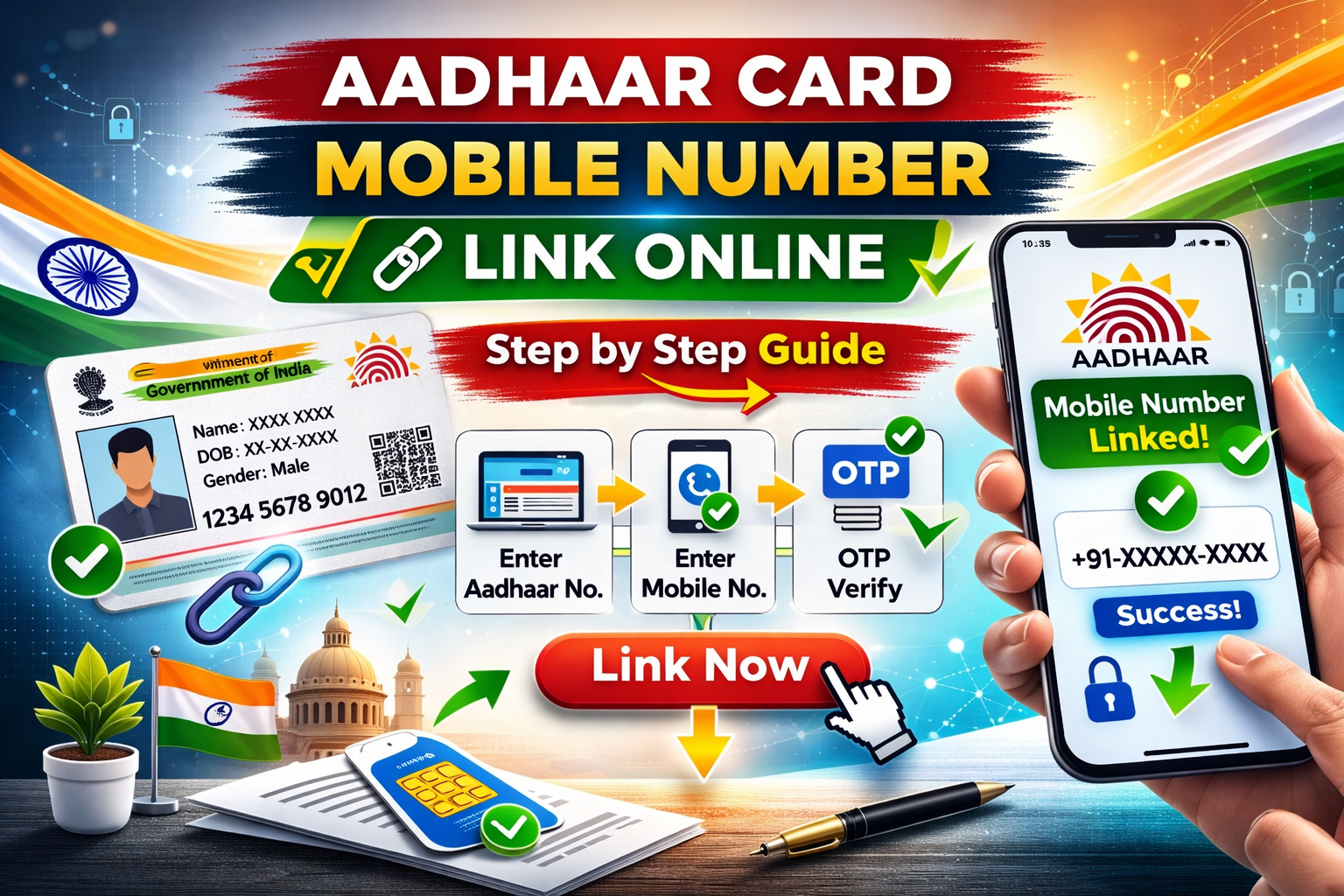
Aadhaar card is one of the most important identity documents in India. It is required for banking, government schemes, SIM card verification, and many online services.
To use most Aadhaar services online, your mobile number must be linked with your Aadhaar card. Without a registered mobile number, you cannot receive OTP verification for Aadhaar related services.
In this guide, we will explain the complete process to link or update mobile number in Aadhaar card in a simple step-by-step way.
Why Linking Mobile Number with Aadhaar is Important
Linking your mobile number with Aadhaar allows you to access several online services provided by UIDAI.
- Aadhaar OTP verification
- Downloading e-Aadhaar
- Updating Aadhaar details online
- Checking Aadhaar status
- Using Aadhaar for banking verification
Without a linked mobile number, these services will not work.
Can You Link Mobile Number with Aadhaar Online?
Currently, linking a new mobile number with Aadhaar cannot be done completely online due to security reasons.
You must visit the nearest Aadhaar Enrollment or Update Center to register or update your mobile number.
However, you can book an appointment online to make the process faster.
Step by Step Process to Link Mobile Number with Aadhaar
Step 1: Visit UIDAI Official Website
Open the official UIDAI website and go to the Aadhaar update section.
Step 2: Book an Appointment
Select the option "Book Appointment" and choose the nearest Aadhaar Seva Kendra.
Step 3: Enter Aadhaar Details
Fill in the required details:
- Aadhaar number
- Full name
- City and state
- Mobile number to be linked
Step 4: Visit Aadhaar Center
Visit the Aadhaar center on the scheduled date and provide your biometric verification.
Step 5: Submit Update Request
The operator will update your mobile number in the Aadhaar system.
Step 6: Pay the Update Fee
A small fee of Rs. 50 is charged for updating the mobile number.
Step 7: Receive Acknowledgement Slip
You will receive an update request number (URN) to track your request.
How to Check Aadhaar Mobile Number Update Status
You can track your request using the URN number.
- Visit UIDAI website
- Click on Check Aadhaar Update Status
- Enter URN number
- Check the update progress
Usually the update is completed within 3 to 10 working days.
Documents Required for Aadhaar Mobile Number Update
In most cases, only Aadhaar card is required for verification.
- Aadhaar card
- Biometric verification (fingerprint or iris)
No additional documents are usually required.
Frequently Asked Questions (FAQ)
Can I link mobile number with Aadhaar without visiting center?
No. For security reasons, you must visit an Aadhaar enrollment center for mobile number update.
How much does Aadhaar mobile number update cost?
The official fee is Rs. 50.
How long does Aadhaar mobile update take?
It usually takes 3 to 10 working days.
Why is mobile number important for Aadhaar?
Your mobile number is required for OTP verification and accessing online Aadhaar services.
Conclusion
Linking your mobile number with Aadhaar is essential to access many online services provided by UIDAI. Although the update cannot be done fully online, booking an appointment online makes the process quick and easy.
Make sure your mobile number is always updated in your Aadhaar to avoid issues with OTP verification and government services.
Keeping your Aadhaar details updated ensures smooth access to digital services in India.